Blender Octane plugin beginner Tutorial : The Golem
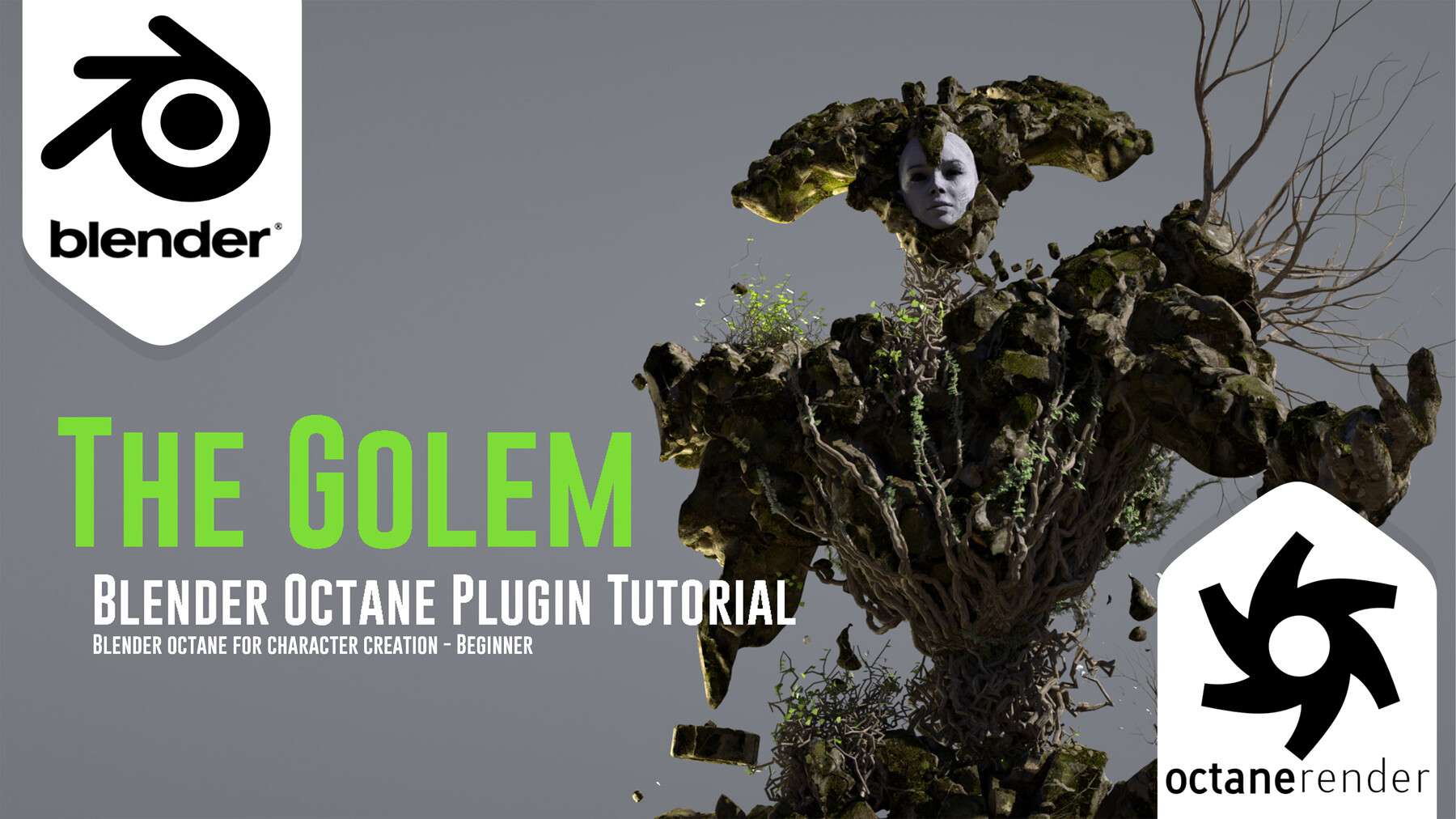
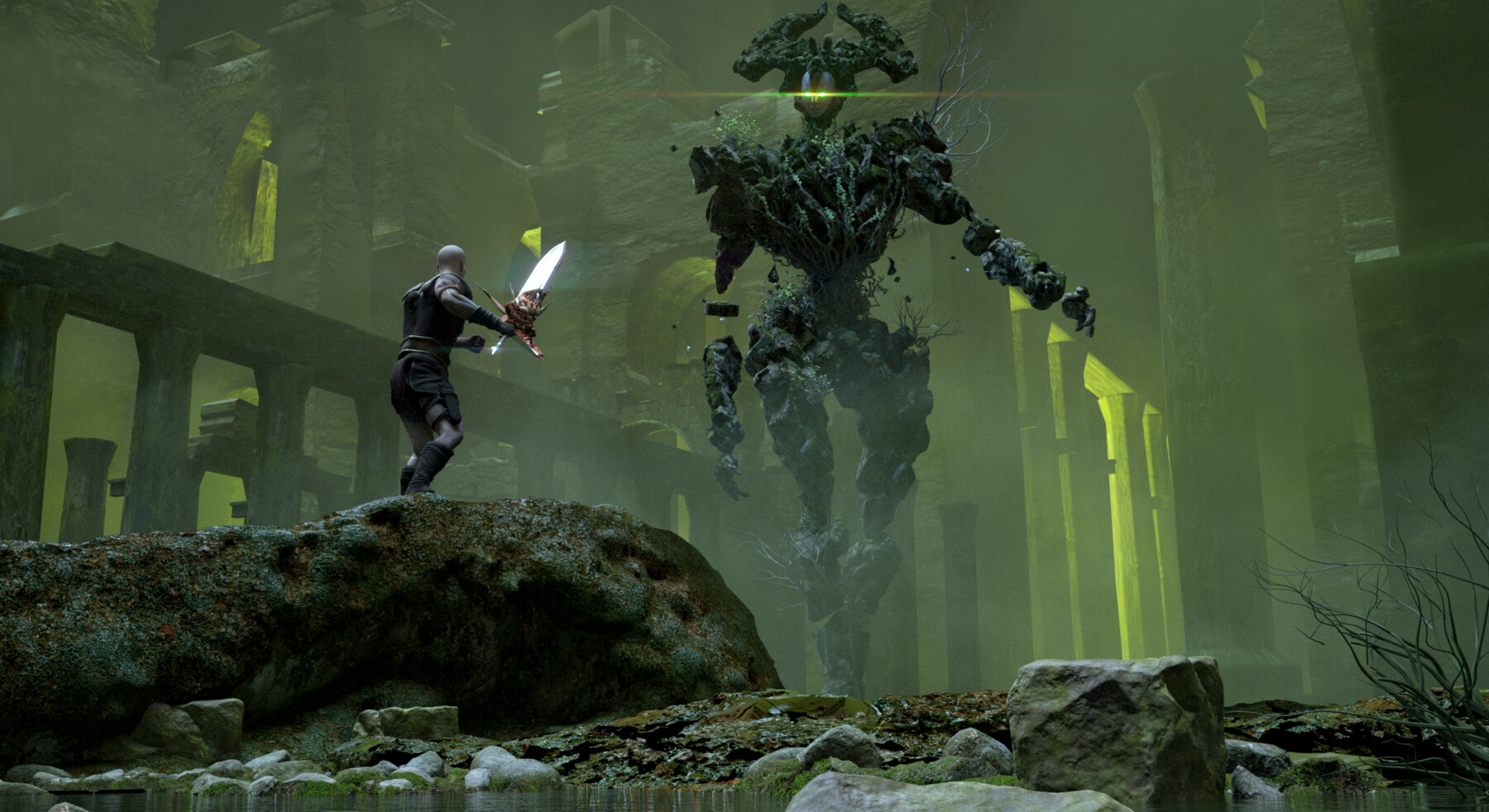
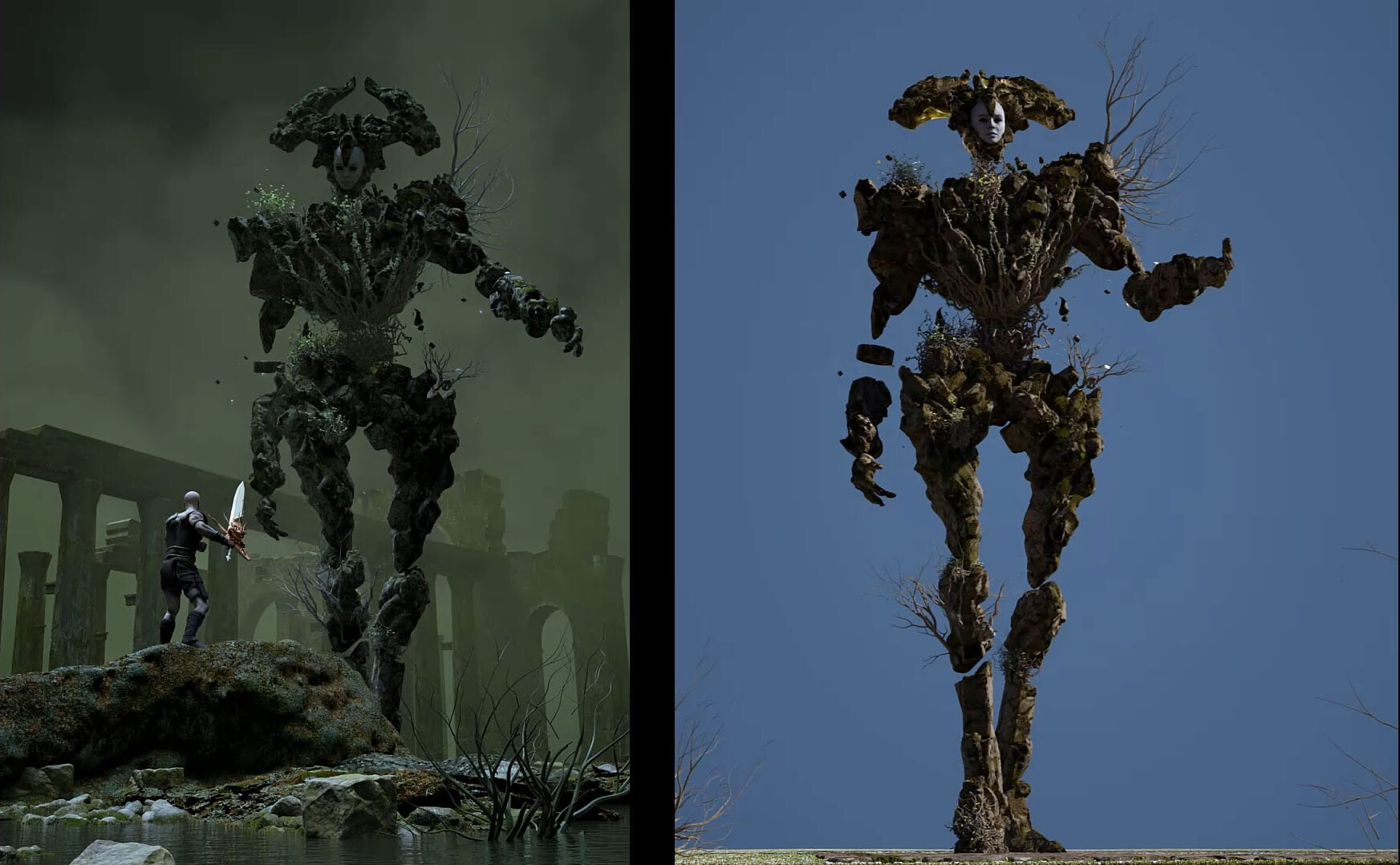
Would you like to learn how to use Blender Octane plugin, while making a nice golem creature at the same time ?
In this Blender Octane plugin tutorial, I will show you how to quickly create shade and render a 3D character. You will learn how to use Blender Octane and create amazing looking images.
First Chapter here:
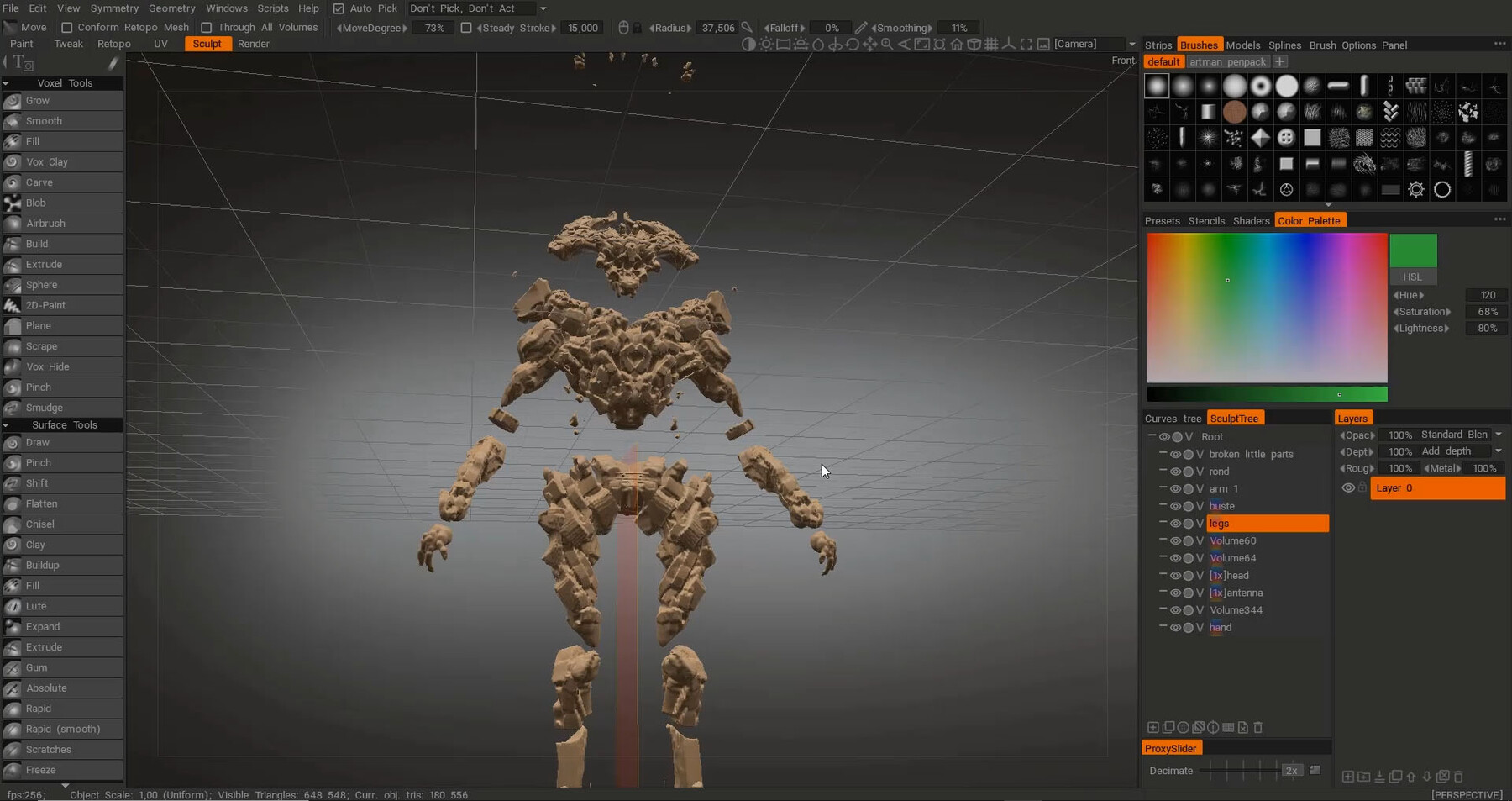
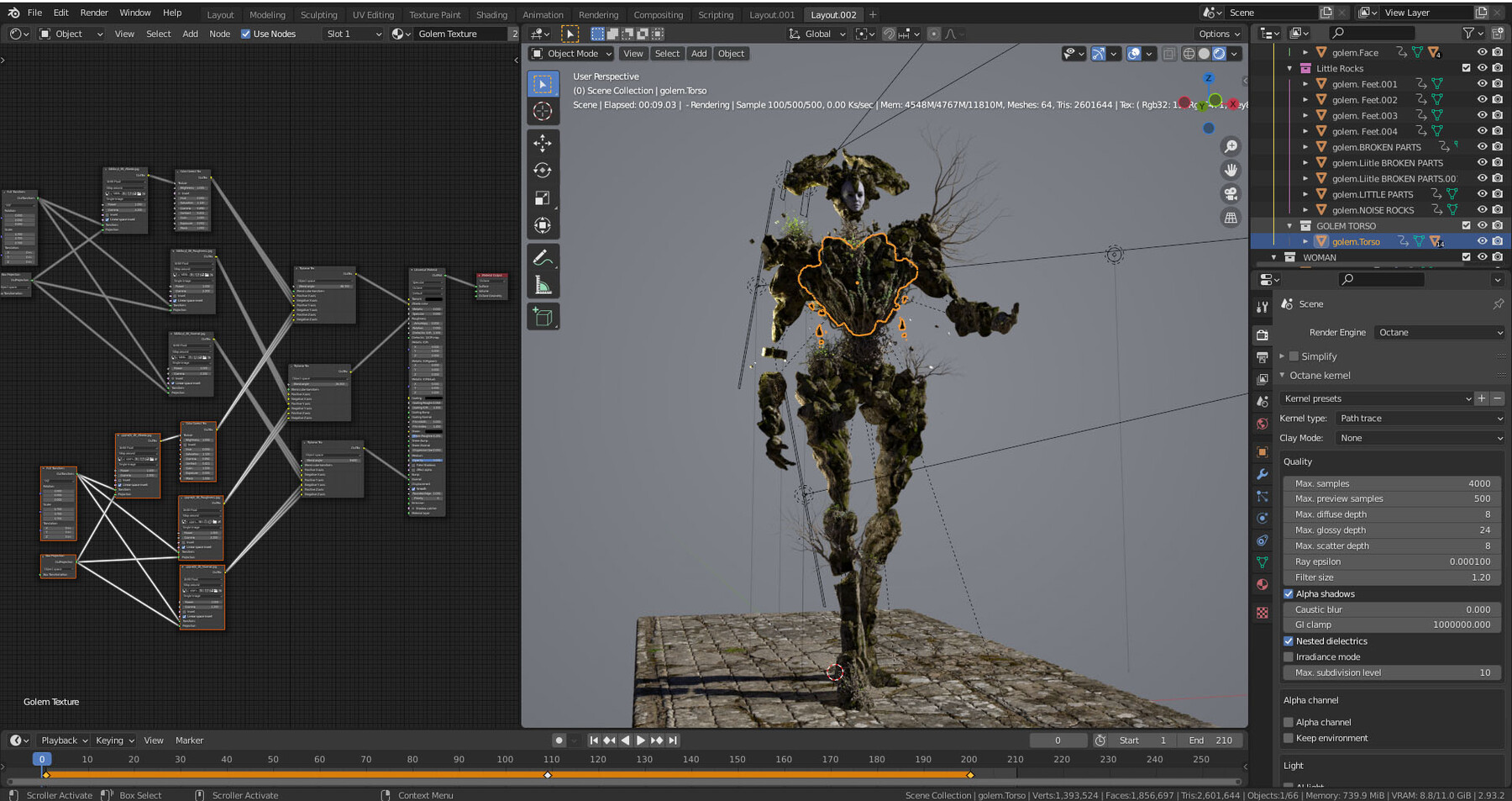
I will create the global shape of a Golem creature in 3D-Coat. Then, using simple tools (and blender native add-ons) I will pose and then shade it with Octane plugin's materials.
I will explain every choice I make. You can see my keystrokes, therefore this is a beginner friendly tutorial. You will need basic knowledge of Blender software.
I have included a quick overview of 3D-Coat as well.
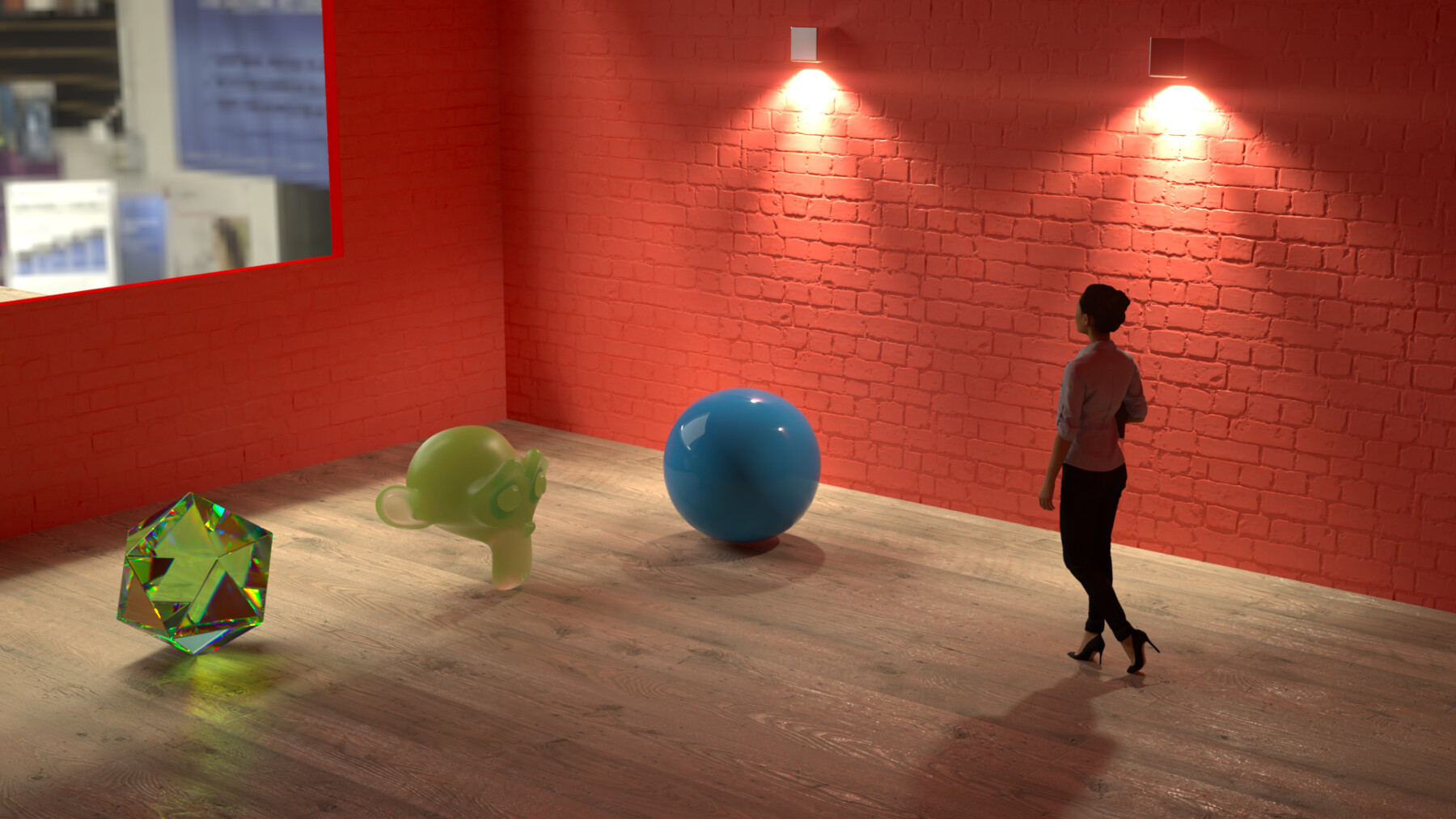
There is also a bonus chapter on kernels and how to enhance your rendered images.
Included in this tutorial
1h30 of Blender Octane Plugin narrated videos
30 min of spedup video of the 3D Coat sculpt
3D Coat quick overview video
The OBJ file of the sculpt
Various JPEG renders
Blendfile (posed golem with free texture, no mixamo face)
Topics Covered
Sculpting in 3D Coat
Installing Octane plugin and set it to the proper parameters
Kernels and image enhancing
Environment and workspace
Posing
Camera set up
Texturing with Quixel megascans
Addons : Sapling tree Gen & Ivy Gen
Lights
Rendering passes
If you want to see the kind of things you can create with blenderOctane, check out my Artstation
Blender Octane plugin Free Tier is a free software. You can download it here